

When you first decide to create a website, you’ll quickly bump into the question of WordPress.com vs WordPress.org. If you’ve ever felt confused by the difference, you're not alone. These names sound almost identical and both come from the same WordPress brand, but your choice can make or break your online experience, whether you want to start a personal blog, launch an online store, or build a portfolio.
In this article, the focus is on explaining the difference between WordPress.com vs WordPress.org in simple terms. Along the way, you’ll find practical advice, SEO-focused insights, and comparisons of features, costs, flexibility, use cases, themes, security options, plugins, and more. Let’s cut through the jargon and find out which WordPress platform fits your needs best.
What is WordPress.com?

WordPress.com is a hosted platform run by Automattic, the company behind WordPress. Basically, WordPress.com is an online service that lets you make a website without worrying about technical details like hosting, updates, or backups. You sign up, choose your site name, pick a free or premium theme, and start posting your content. No coding or installation required.
- Easy setup and no need for separate web hosting
- Maintenance, security, and updates are taken care of automatically
- Free plan available, plus paid plans (Personal, Premium, Business, eCommerce)
- Limited customization on free and lower-tier plans
- You use a subdomain (yourblog.wordpress.com) in the free version, but you can use a custom domain on paid plans
When people talk about the differences between WordPress.com vs WordPress.org, they often mention how WordPress.com is great for beginners or anyone who wants as little technical hassle as possible.
What is WordPress.org?

WordPress.org, often known as “self-hosted WordPress,” is the free, open-source software you can download and install on your own web hosting space. With WordPress.org, you have 100% control over everything on your site. You can upload any plugin, use any theme, edit the code, monetize in any way, and essentially do whatever you want.
- Free, open-source software
- Requires separate web hosting (hosting costs extra)
- Full control over customization, themes, and plugins
- Your own domain name (e.g., yoursite.com)
- You’re responsible for updates, backups, and security
For most online entrepreneurs, businesses, and tech-savvy creators, the advantages of WordPress.org make it their top pick in the WordPress.com vs WordPress.org debate.
Key Differences: WordPress.com vs WordPress.org
Hosting and Control

- WordPress.com: Hosting is included. You don’t own your server space.
- WordPress.org: You must get your own web host (like SiteGround, Bluehost, or HostGator) and install WordPress yourself.
With WordPress.org, you have total control over your server and files. With WordPress.com, you rely on their managed hosting.
Customization and Flexibility

- WordPress.com: Customization is limited, especially on free or lower-tier plans. You can’t upload custom plugins or themes unless you pay for higher-tier (Business or eCommerce) plans.
- WordPress.org: You can install any theme or plugin, edit your code, or add custom features as you like.
The freedom to customize is a major factor in the WordPress.com vs WordPress.org decision, especially if you want a unique design or advanced features.
Monetization Options

- WordPress.com: Monetization is limited on free and lower plans. To run ads (WordAds or Google AdSense), you need a Premium or higher plan. Some restrictions apply.
- WordPress.org: Monetize the way you want, whenever you want, ads, membership sites, online stores, sponsored content, affiliate marketing, and more.
If making money online is part of your goal, WordPress.org gives you way more flexibility.
Plugins and Extensions

- WordPress.com: Plugin access is very limited on free and even some premium plans. Only Business and eCommerce plans allow you to install third-party plugins.
- WordPress.org: There are over 60,000 free plugins in the WordPress Plugin Directory, plus thousands of premium options. Install whatever you need.
If you care about SEO plugins, eCommerce, contact forms, and site analytics, plugin flexibility is a big deal in the WordPress.com vs WordPress.org contest.
Pricing and Long-term Costs
Let’s talk real numbers. WordPress.com can look free at first, but the limits of the free plan mean that soon you’ll want to upgrade for more features like a custom domain, advanced design, or core plugins.
WordPress.org itself is free, but you’ll need to pay for hosting (as little as $3-$15 per month), a domain name (around $10-$15 per year), and possibly premium plugins or themes.
|
Platform |
Starting Cost |
Custom Domain |
Plugins & Themes |
Monetization |
Ongoing Cost |
|
WordPress.com |
Free (limited) |
Paid |
Paid (Business+) |
Restricted |
$0 - $540+/year |
|
WordPress.org |
Hosting required |
Yes |
Unlimited |
Unlimited |
$50 - $500+/year |
Both solutions have ongoing costs, so compare the real value, not just the cheapest entry point. The phrase WordPress.com vs WordPress.org isn’t just technical; it’s financial, too.
Why Choose WordPress.com? (Pros & Cons)
Pros
- Beginner-friendly: Super easy to set up with minimal technical knowledge
- Maintenance-free: No need to worry about updates or backups
- Free hosting: You get a subdomain (unless you pay for a custom one)
- Spam protection and security are handled for you
- Mobile-friendly by default
Cons
- Limited control and customization, especially on the free and Personal plans
- No plugin uploads unless on Business or eCommerce plans
- Less flexible monetization options
- WordPress.com branding, unless you pay to remove ads
- Upgrading for advanced features can get expensive
WordPress.com is a good fit for hobby bloggers, portfolio sites, and small personal projects. If you want hassle-free operation and don’t need a highly customized site, it’s a smart choice.
Why Choose WordPress.org? (Pros & Cons)
Pros
- Full control over your website and its data
- Unlimited customization with thousands of plugins and themes
- Freedom to monetize however you like
- Advanced SEO options with powerful plugins
- Support for eCommerce, memberships, custom post types, and more
- Access to your server files and databases for advanced features
Cons
- Requires web hosting and a domain (extra costs)
- You’re responsible for updates, backups, and security
- Slightly steeper learning curve for total beginners
WordPress.org shines when you need scalable, flexible, professional sites. Whether it’s eCommerce, complex portfolios, membership websites, or feature-heavy blogs, self-hosted WordPress is usually the go-to.
Points Of Comparison - Which one is
WordPress.com vs WordPress.org for SEO and Growth
When discussing WordPress.com vs WordPress.org, SEO is a hot topic. With WordPress.com, SEO tools are basic unless you upgrade to a premium plan. You can write posts, use default sitemaps, and enable basic SEO settings, but you miss out on many top-level plugins like Yoast SEO or Rank Math unless you have a Business or higher plan. The above video will help you in a better way on how to optimize your pages and blogs on WordPress.
WordPress.org gives you unrestricted access to SEO plugins, schema markup, advanced analytics, and the ability to fine-tune site architecture for better ranking. If search engine optimization is key to your strategy, self-hosted WordPress is hard to beat.
Security: Who Keeps Your Site Safe?

The design differences between WordPress.com vs WordPress.org are all about choice. WordPress.com gives you access to dozens of free and premium themes, but deep customization is often locked behind paywalls. With WordPress.org, there’s no such limit. Install any theme you want free, paid, custom, or third-party and customize every detail. You can even build your own themes if you’re adventurous.
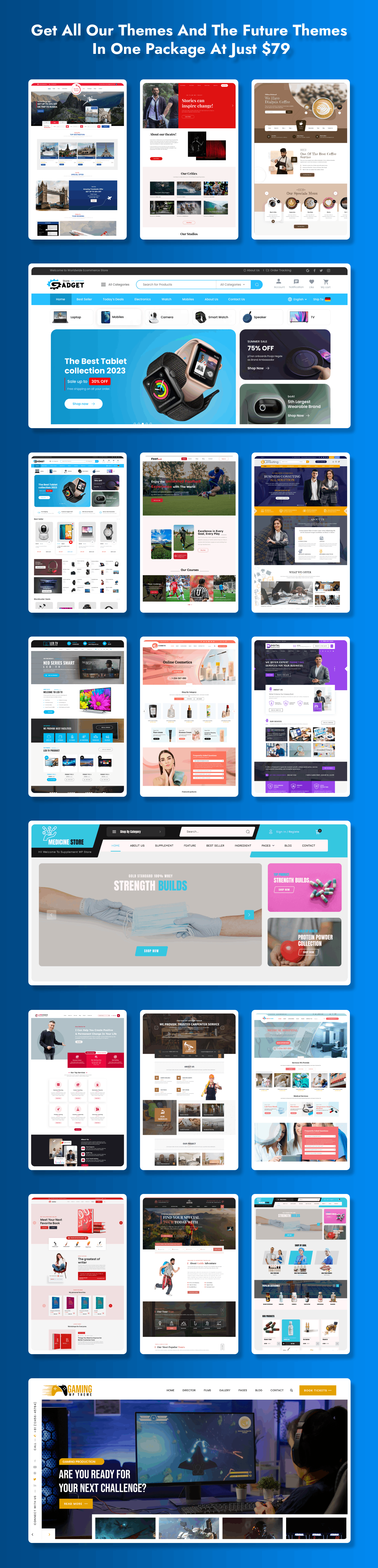
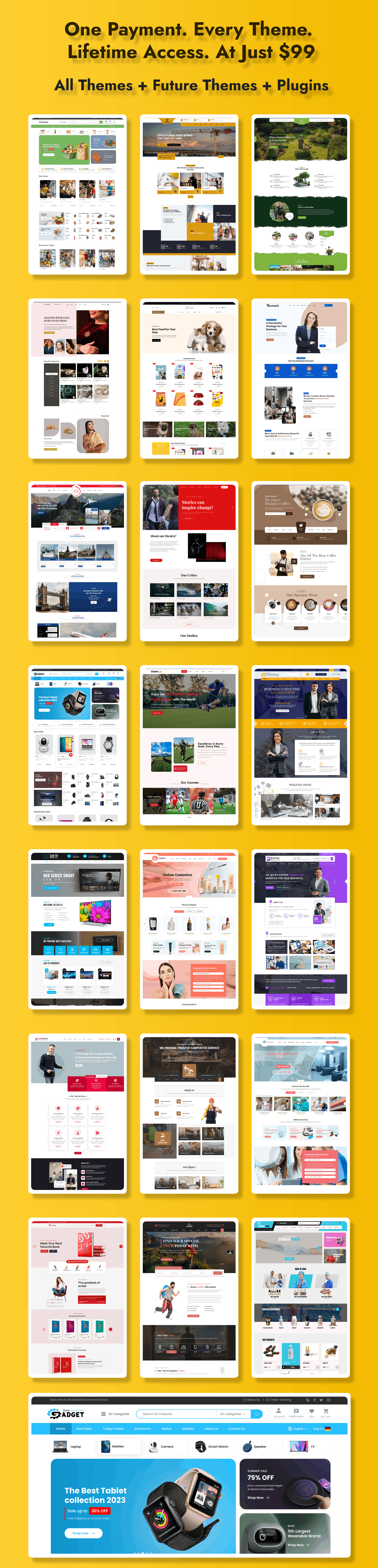
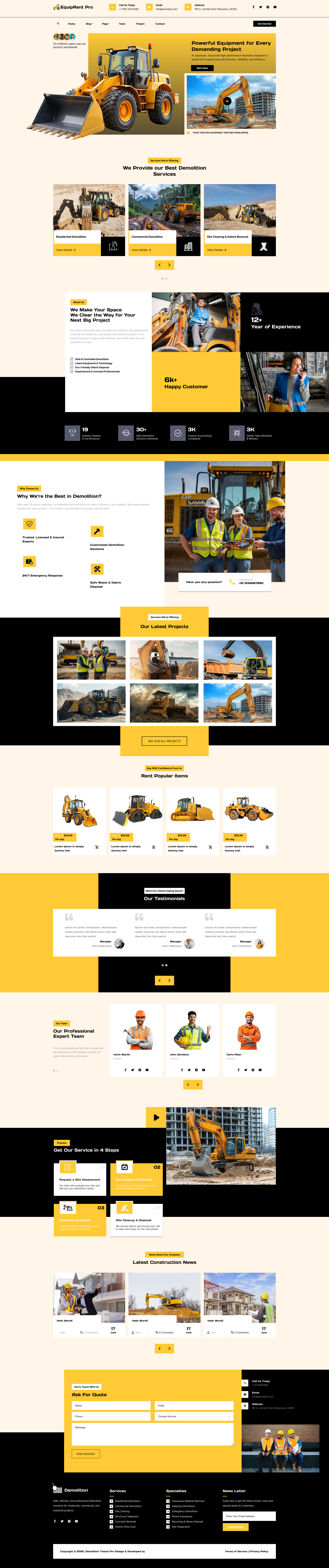
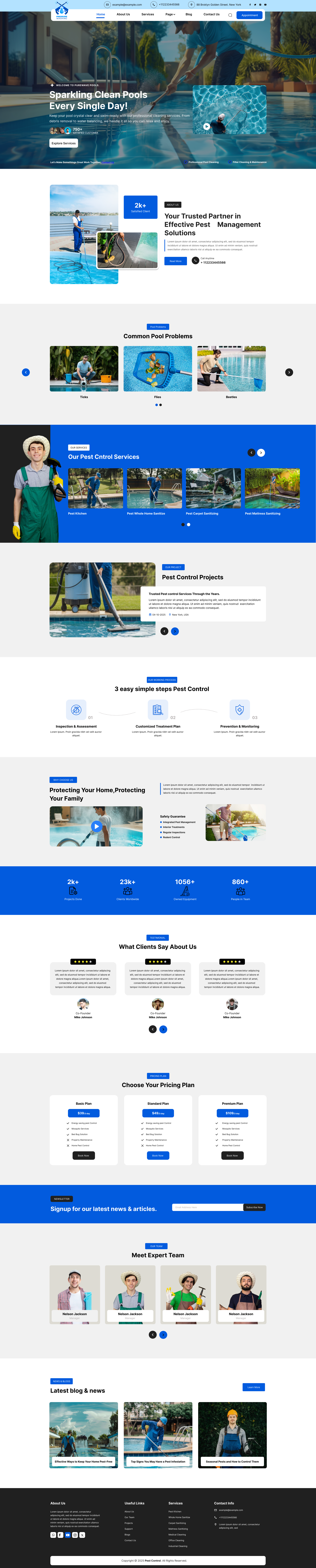
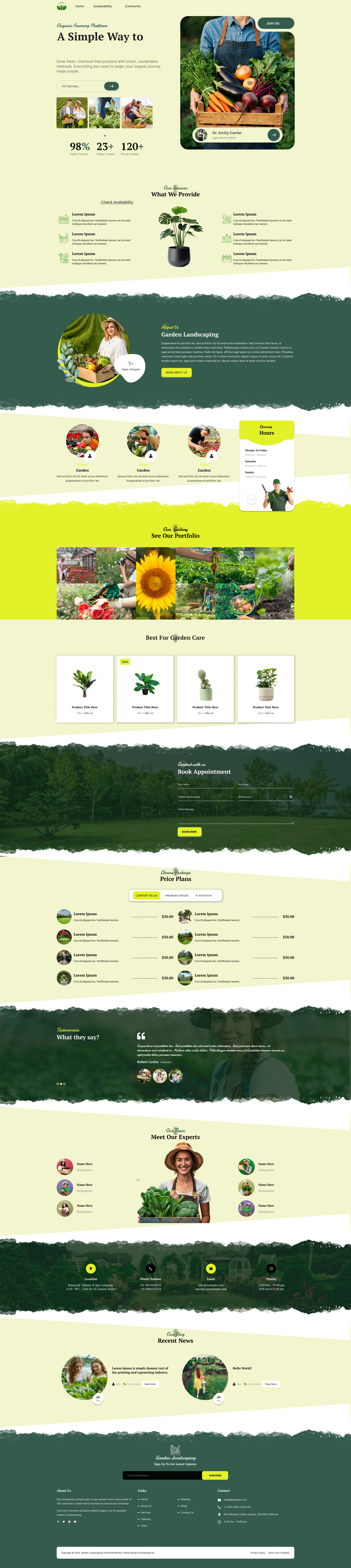
To get the best out of WordPress.org, you need themes that are fast, responsive, and professionally designed. That’s where SEO Themes Expert stands out. Their premium WordPress themes are built with clean code, powerful flexibility, and stunning visual designs tailored for real businesses. Whether you’re building a blog, portfolio, online store, booking site, or professional business website, SEO Themes Expert offers niche-specific themes that help you launch your site quickly with minimal effort.
Each theme is optimized for performance, SEO, and user experience so your website loads fast and ranks better. With modern layouts, easy customization options, and full compatibility with popular page builders and plugins, their themes give you complete control over your website's appearance and functionality. SEO Themes Expert also delivers exceptional support, making it ideal for beginners and professionals wanting a smooth website-building experience.
Below are some of their top-performing themes you can explore:
1. Woodworking Website Template:![]()

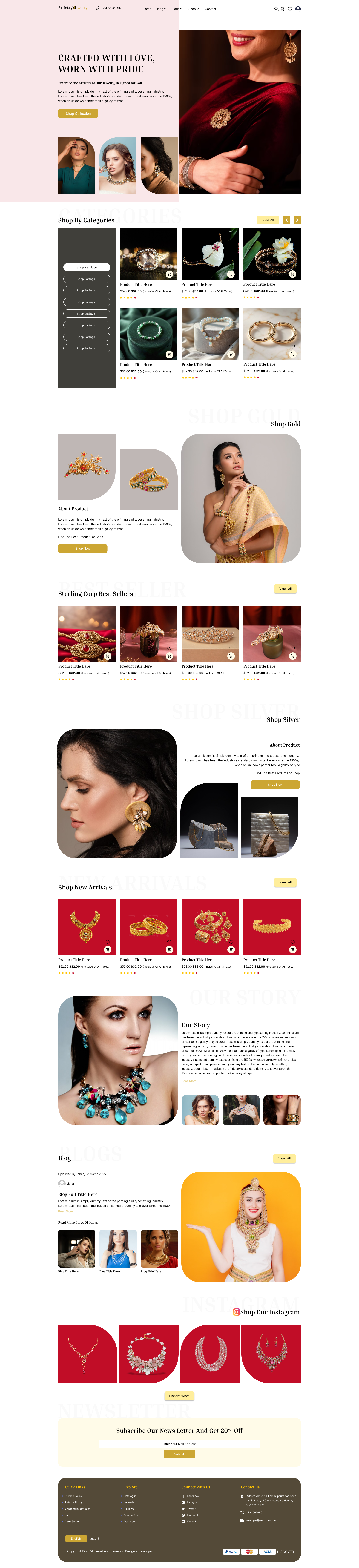
The Woodworking Website Template from SEO Themes Expert is crafted specifically for carpenters, furniture makers, woodcraft artists, and woodworking businesses. It features a warm, rustic, and professional design that highlights craftsmanship through dedicated sections for services, project galleries, handcrafted products, pricing tables, and customer testimonials. The template is fully responsive and optimized for speed, ensuring your business looks appealing on every device. Integrated WooCommerce support makes it easy to showcase and sell handmade products online. With simple customization options and clean code, this theme is perfect for both beginners and professionals looking to build a strong digital presence in the woodworking niche.
2. Storefront Website Template:

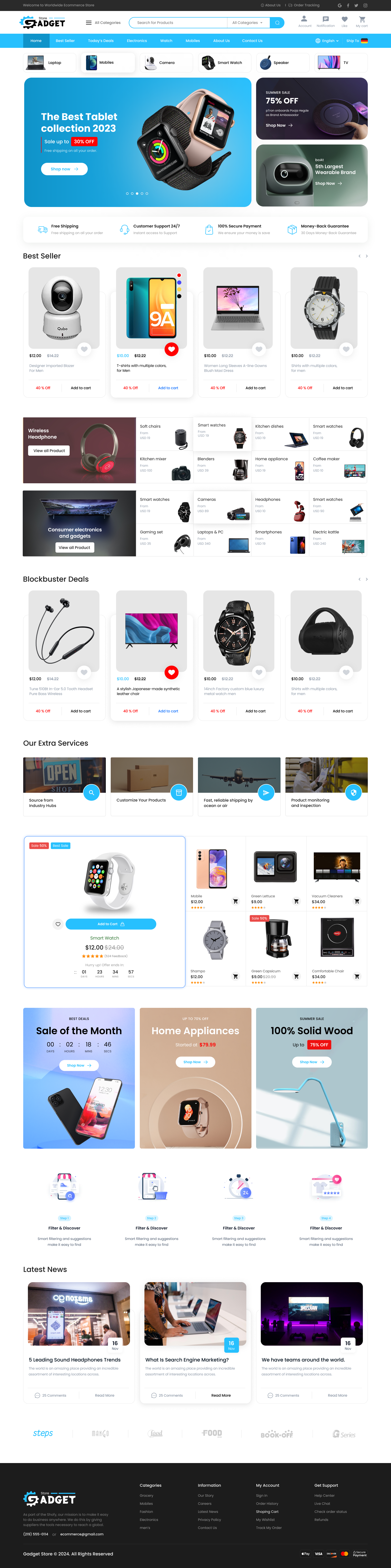
The Storefront Website Template is ideal for entrepreneurs, retailers, and online shop owners who want a clean, modern, and conversion-focused eCommerce website. With fully optimized product grids, category filters, banner sections, and promotional highlights, it offers everything you need to run a successful online store. The template integrates seamlessly with WooCommerce, making product management and checkout experiences smooth and user-friendly. Its mobile-friendly design ensures customers can shop conveniently from any device. Built with SEO optimization and fast-loading code, this template helps your store rank better and deliver an exceptional shopping experience. It’s a perfect solution for launching a professional storefront without technical hassle.
3. Food Blog Website Template:

The Food Blog Website Template is created for food bloggers, chefs, recipe creators, and culinary influencers. It features a stylish and appetizing layout with elegant recipe cards, high-quality image placements, category-based browsing, and engaging blog layouts. Designed for storytelling and visual presentation, this theme allows you to showcase recipes, cooking tips, restaurant reviews, and food photography with ease. It loads fast, is SEO-friendly, and supports video content, making it ideal for ranking food blogs on search engines. With easy customization, Gutenberg compatibility, and an intuitive layout, this theme gives you everything you need to grow your food blog like a professional culinary brand.
4. Author Website Template:

The Author Website Template is an excellent choice for authors, writers, poets, and publishing professionals. Its elegant and minimal design focuses on storytelling, book promotion, and author branding. The theme includes dedicated sections for featured books, author biography, events, upcoming releases, testimonials, and blog posts. With built-in WooCommerce support, you can also sell books directly from your website. The layout is clean, distraction-free, and fully responsive to give readers the best experience across all devices. SEO optimization, fast load speeds, and easy customization make this template perfect for authors who want a polished and professional online presence to grow their readership.
5. Business Advisor WordPress Theme:

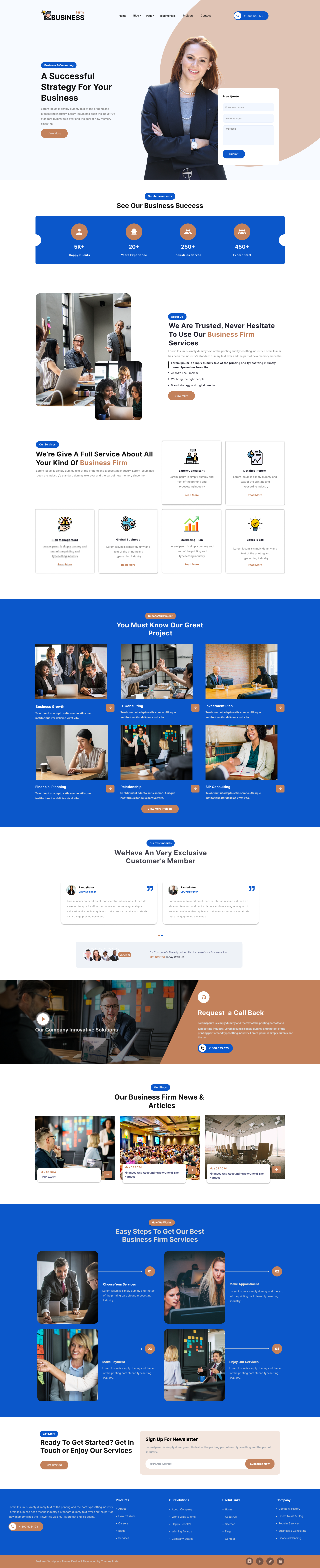
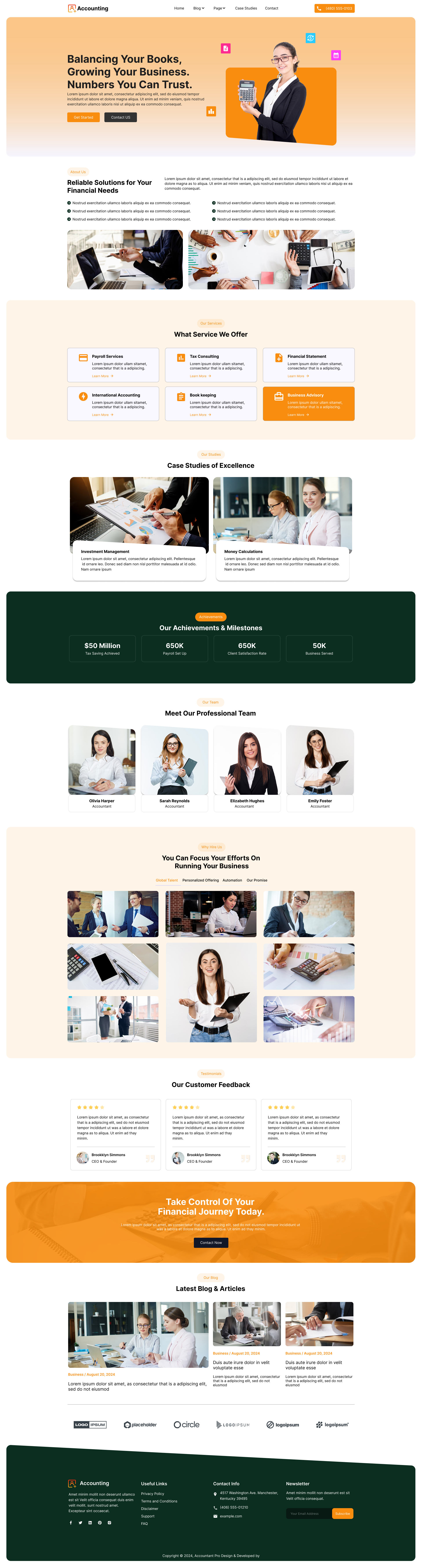
The Business Advisor WordPress Theme is tailored for consultants, business advisors, financial experts, and corporate service providers. With a sleek and professional layout, it includes sections for services, case studies, client testimonials, pricing tables, team profiles, and contact forms. The theme is designed to build trust and highlight your expertise through clean design and strategic content placement. Its fast performance, SEO-friendly structure, and compatibility with major plugins make it ideal for business websites aiming for high credibility. Easy customization, responsive design, and strong call-to-action elements ensure you can convert visitors into clients effortlessly. It’s a powerful theme for growing a consulting or advisory business online.
eCommerce and Monetization: Which is Better?
When it comes to selling online, the WordPress.com vs WordPress.org debate heats up. On WordPress.com, eCommerce options start at the eCommerce plan (highest pricing), and features may be more limited. WordPress.com integrates with WooCommerce on these plans, but you may need additional permissions for custom gateways or advanced functionality.
With WordPress.org, full eCommerce freedom is at your fingertips. Install WooCommerce for free, choose payment gateways, add unlimited extensions, customize checkout, integrate with third-party tools, and run any online business model you want.
Community and Support

Both platforms have large communities. WordPress.com offers customer support for paid plans and detailed help docs. WordPress.org relies on forum-based community support, with many free resources, guides, and tutorials.
The WordPress.org community is renowned for collaborative development, open-source contribution, and developer events worldwide. WordPress.com users get a more curated help experience, ideal if you value direct, managed support.
Use Cases: Which Should You Pick?
Think about your goals. If you just want a personal blog, hobby site, or basic portfolio, and you don’t want to tinker with technical stuff, WordPress.com is perfect.
If you’re building a business website, plan on growing, or want customization and full control (for SEO, eCommerce, memberships), WordPress.org is the smart choice. If you want to rank for competitive keywords and maximize flexibility, WordPress.org is the way to go.
Migration: Moving from WordPress.com to WordPress.org
Many people start on WordPress.com and later upgrade to WordPress.org for more control. The migration process involves exporting your content, setting up a self-hosted WordPress site, importing your posts, and reconfiguring design and SEO. WordPress.com offers tools to help you migrate, and many hosting companies even handle migration for free.
Final Verdict: WordPress.com vs WordPress.org
Choosing between WordPress.com vs WordPress.org ultimately depends on your personal goals and how much control you want over your website. If you prefer a hassle-free setup with minimal maintenance responsibilities and don’t require advanced customization or extensive monetization options, WordPress.com is an excellent choice. It offers an easy-to-use platform with hosting taken care of, perfect for beginners or those who want to focus solely on content creation without technical distractions.
On the other hand, if you want total control, ultimate flexibility, scalability, and full ownership of your website and its content, WordPress.org is the superior option. It requires you to manage hosting and maintenance, but allows you to customize every aspect of your site, use any plugin or theme, and fully monetize your platform.
Regardless of your choice, both platforms benefit from the vast WordPress community and its rich ecosystem of themes, plugins, and support resources. Many users start with WordPress.com and later graduate to WordPress.org as their needs grow and they seek greater control and customization.
|
Expert Tip: If you are looking for the best WordPress themes but don’t have the time to go through all the setup and customization steps, we can help. Our themes bundle offers a wide variety of premium, professionally designed WordPress themes that are fully responsive, SEO-optimized, and easily customizable to suit any niche or style. With this bundle, you save time and get access to quality themes that can make your website look great right from the start. Additionally, if you have a specific theme in mind, we also offer a collection of premium themes that come with support, updates, and easy installation guides. Check out our themes bundle and premium themes shop to find the perfect design solutions for your website needs and get your WordPress site up and running quickly and beautifully. Visit the Themes Bundle and Themes Shop to learn more. |
Frequently Asked Questions
1. Is WordPress.com or WordPress.org better for beginners?
WordPress.com is simpler if you want zero maintenance, but WordPress.org is not as difficult as it might seem. Many hosts offer one-click installations, making it accessible for beginners eager to learn.
2. Can I use plugins on WordPress.com?
Only if you’re on the Business or eCommerce plan. Otherwise, WordPress.org is your best option for plugin flexibility.
3. Which platform is better for SEO?
WordPress.org, thanks to unlimited SEO plugins, advanced controls, and options to edit code and meta tags.
4. How much does a WordPress site cost?
WordPress.com starts free but costs increase as you need more features. WordPress.org is free, but expect to pay for hosting, domains, and possibly premium plugins or support.
5. Can I switch from WordPress.com to WordPress.org?
Yes. You can migrate all your content, but you’ll need to reorganize your design and possibly some functionality.