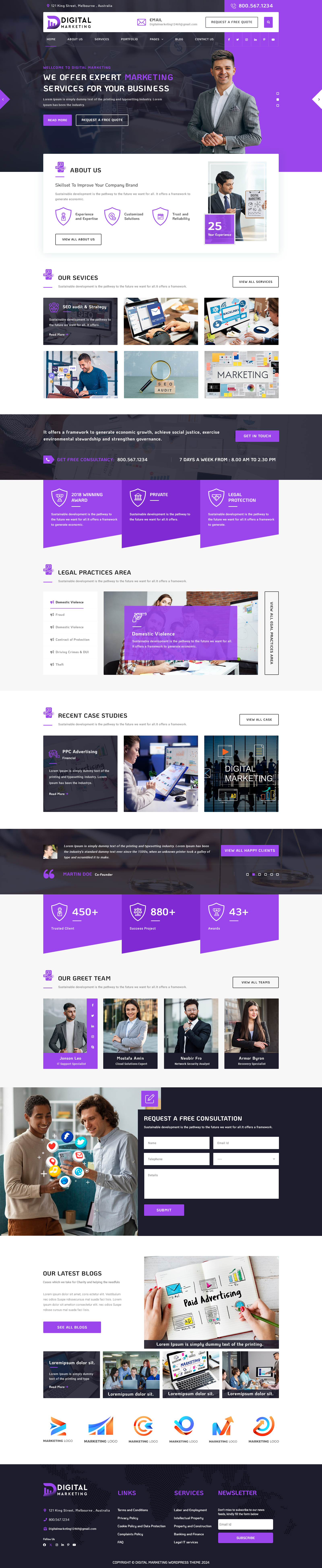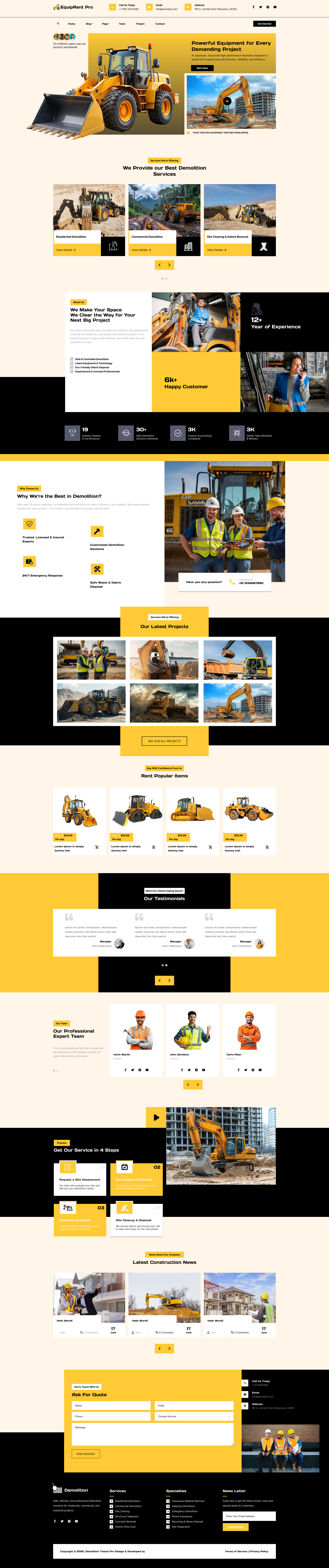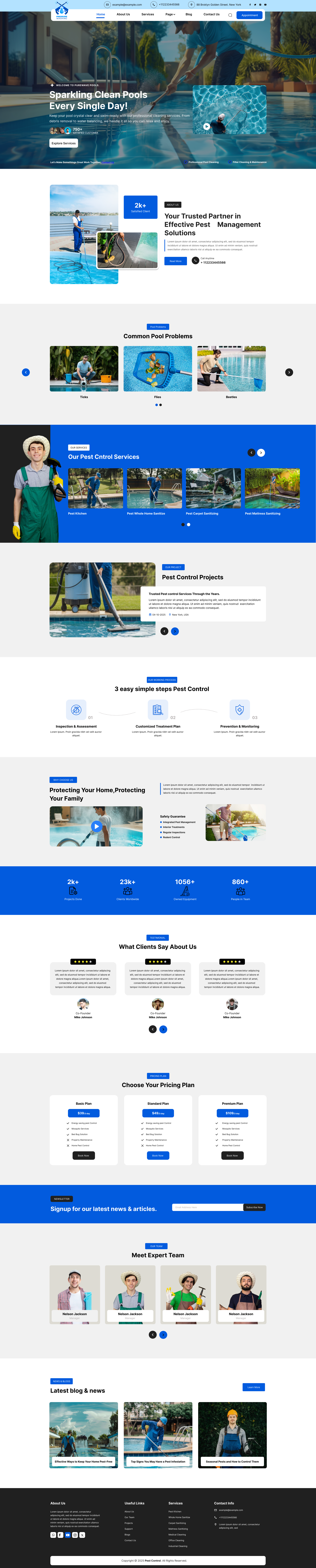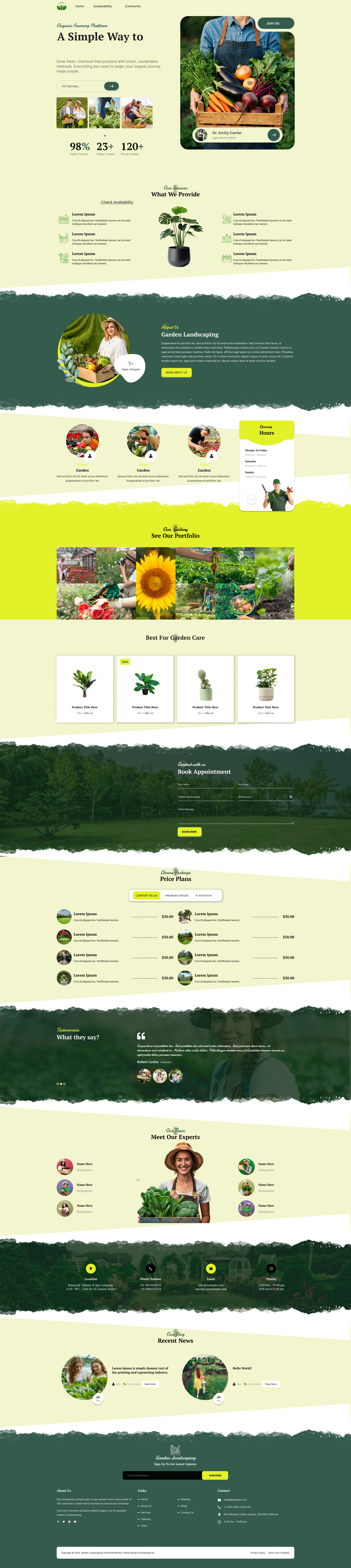


A few years ago, I was stuck trying to build my first WordPress website. I didn’t know any coding, and the default editor felt limiting. That’s when I discovered page builders. With the Best Page Builders for WordPress, I could finally create beautiful, professional sites without any technical skills. Now, anyone can build websites easily using drag-and-drop tools, pre-made templates, and customizable blocks.
These builders are ideal for bloggers, small business owners, and agencies that want fast, responsive, and SEO-friendly websites. Whether you need a simple blog, a landing page, or a full e-commerce store, WordPress page builders make it simple and fun.
The best part? You don’t need to hire a developer or spend hours learning code. Just pick a builder, choose a professional website design templates and start designing. It’s the easiest way to bring your ideas to life online.
Why Use a Page Builder for WordPress?
Before diving into the list, let’s quickly understand what WordPress plugins are and why they are so useful. must have plugins for WordPress are tools that add new features and functionality to your website without requiring you to write code. They can help you add contact forms, improve SEO, boost website speed, create online stores, enhance security, build galleries, and much more. With thousands of plugins available, you can easily extend your website’s capabilities and customize it according to your specific needs.
Some key benefits of using a page builder include:
- Drag-and-drop design for total control
- No coding skills required
- Responsive layouts for mobile devices
- Faster website development
- SEO-friendly code output
- Easy customization for branding
Choosing the Best Page Builders for WordPress
When selecting a page builder, consider your needs, skill level, and website goals. The Best Page Builders for WordPress will offer a combination of ease of use, design flexibility, and performance. Here’s a quick summary:
|
Page Builder |
Best For |
Key Strengths |
|
SeedProd |
Landing pages, speed |
Fast, lightweight, easy to use |
|
Elementor |
Design freedom |
Huge template library, advanced options |
|
Divi Builder |
Versatility, templates |
Pre-made layouts, theme builder |
|
Beaver Builder |
Simplicity, clean code |
User-friendly WooCommerce support |
|
Thrive Architect |
Conversions, funnels |
Lead tools, smart triggers |
|
Brizy |
Beginners, simplicity |
Fast, intuitive, mobile-friendly |
|
Breakdance |
Performance, simplicity |
Lightweight, efficient |
Best Page Builders for WordPress
If you want to Create Your First WordPress Website without coding, the Best Page Builders for WordPress are your go-to tools for easy, drag-and-drop design and customization.
1. SeedProd

SeedProd is one of the Best Page Builders for WordPress, known for its speed, ease of use, and minimal bloat. It’s perfect for marketers, bloggers, and small businesses who want to build landing pages, sales funnels, and full websites quickly. SeedProd offers a real-time drag-and-drop editor, pre-made templates, and theme builder options, making it easy to customize your site.
It’s also highly optimized for performance, ensuring fast loading times and SEO-friendly code. With WooCommerce integration and coming soon/maintenance modes, SeedProd is a versatile choice for any WordPress project. Whether you’re a beginner or a pro, SeedProd makes building websites easy and efficient. Its lightweight design ensures your site stays fast and responsive on all devices.
Key Features:
- Drag-and-drop editor
- Pre-built templates and sections
- WooCommerce integration
- Coming soon/maintenance modes
- AI website builder
- Fast loading and SEO-friendly
2. Elementor

Elementor is a top choice among the Best Page Builders for WordPress, offering unmatched design freedom and flexibility. It’s loved for its intuitive drag-and-drop interface, huge template library, and advanced design controls. Elementor lets you create unique layouts, customize every element, and preview changes in real time. With over 300 templates and 100+ widgets, it’s ideal for bloggers, agencies, and anyone who wants creative control.
Elementor also supports WooCommerce, making it great for online stores. It's clean code and responsive design ensures your site looks great on all devices. Elementor is perfect for those who want professional, visually impressive websites without coding.
Key Features:
- Drag-and-drop editor
- Extensive template and widget library
- Real-time preview
- WooCommerce support
- Responsive and mobile-friendly
- SEO-friendly code
3. Divi Builder

Divi Builder is one of the Best Page Builders for WordPress for those who want comprehensive design options and pre-made layouts. It’s suitable for beginners and professionals alike, offering a visual builder, 200+ layouts, and real-time editing. Divi’s theme builder lets you customize every part of your site, from headers to footers. Its responsive design ensures your site looks great on all devices. Divi is known for its versatility, making it a favorite among freelancers and agencies. While it’s feature-rich, it may feel a bit heavy for very simple sites. Still, Divi remains a top pick for those who want a powerful, all-in-one solution.
Key Features:
- Visual drag-and-drop builder
- 200+ pre-made layouts
- Theme builder for full-site customization
- Real-time editing
- Responsive design
- Easy customization
4. Beaver Builder

Beaver Builder is a simple and reliable option among the Best Page Builders for WordPress. It’s praised for its clean code, fast performance, and user-friendly interface. Beaver Builder is perfect for agencies, developers, and anyone who wants a stable, lightweight solution. It works with any WordPress theme, so you can switch themes without losing your layouts. The builder offers drag-and-drop editing, responsive elements, and WooCommerce compatibility. Its front-end editor makes customization easy, and the clean code output is great for SEO. Beaver Builder is a solid choice for those who value simplicity and reliability.
Key Features:
- Drag-and-drop editor
- Lightweight and fast
- Works with any theme
- Responsive design
- WooCommerce compatibility
- Front-end editing
5. Thrive Architect

Thrive Architect is the Best Page Builders for WordPress for marketers and funnel builders. It’s designed to maximize conversions with smart triggers, lead tools, and pre-built landing page templates. The drag-and-drop editor is easy to use, and the platform is optimized for fast loading times.
Thrive Architect integrates seamlessly with other Thrive products, making it a powerful tool for creating high-converting sites. Its focus on conversion optimization sets it apart from other builders. If you want to build landing pages, sales funnels, or lead generation sites, Thrive Architect is a top choice.
Key Features:
- Drag-and-drop editor
- Conversion-focused elements
- Smart triggers and lead tools
- Pre-built landing page templates
- Fast loading times
- Integration with Thrive products
Brizy

Brizy is a modern, lightweight page builder that’s easy to use and delivers professional results. It’s one of the Best Page Builders for WordPress for beginners and small business owners. Brizy offers a clean, no-fuss interface, pre-made design blocks, and responsive layouts. The builder is optimized for speed and mobile-friendliness, making it great for fast-loading sites. Brizy’s easy integration with third-party tools makes it versatile for various projects. Its simplicity and performance make Brizy a rising star in the WordPress page builder market.
Key Features:
- Clean drag-and-drop editor
- Pre-made design blocks
- Responsive and mobile-friendly
- Fast loading times
- Easy third-party integration
- Lightweight and efficient
Breakdance

Breakdance is a modern, lightweight page builder focused on speed and simplicity. It’s one of the Best Page Builders for WordPress for users who want a fast, efficient solution without unnecessary bloat. Breakdance offers a simple drag-and-drop editor, responsive design elements, and easy customization options. It’s suitable for both beginners and advanced users who value performance and ease of use. Breakdance’s lightweight code ensures your site loads quickly and stays optimized for SEO. It’s a solid choice for anyone who wants a no-frills, high-performance builder.
Key Features:
- Fast and lightweight code
- Simple drag-and-drop editor
- Responsive design elements
- Easy customization
- High performance
- No bloat
Where to Find WordPress Themes and Bundles?If you’re looking for high-quality WordPress themes and bundles to pair with your chosen page builder, check out these resources: These collections offer a wide range of themes and bundles that are compatible with the Best Page Builders for WordPress, helping you create stunning websites with ease. |
Final Thoughts
In conclusion, the Best Page Builders for WordPress are game-changers for anyone looking to build a website easily, no matter your skill level. These tools let you create professional, responsive, and SEO-friendly sites with simple drag-and-drop features, saving you time and effort. From landing pages to full e-commerce stores, page builders offer endless customization and flexibility.
They help you bring your vision to life without needing to code, making website creation accessible to everyone. With so many powerful options available, you can find the perfect builder to match your needs and start building your dream website today.
Frequently Asked Questions (FAQs)
1. What are the best page builders for WordPress?
Popular page builders include Elementor, Beaver Builder, Divi Builder, Brizy, and WPBakery. Each offers different design tools and customization options.
2. What is a WordPress page builder?
A page builder is a tool that lets you create and customize website pages using visual editing features, often without writing code.
3. Which page builder is best for beginners?
Elementor is a popular choice for beginners because of its visual drag-and-drop editor and easy-to-use interface.
4. Are WordPress page builders free?
Many page builders offer free versions with essential design features. Premium versions generally provide additional widgets, templates, integrations, and advanced customization options.
5. Can I build a website without coding using a page builder?
Most modern page builders allow you to create complete website pages without coding by using drag-and-drop elements and visual customization controls.